AI product videos for Amazon listings
Amazon shoppers scroll the image gallery first. A clean spin or floating shot in that gallery shows the product moving without a studio shoot.
Export sizeExport 1:1 for galleries. Check Amazon's current listing video and AI content rules before uploading.
Or tap a sample
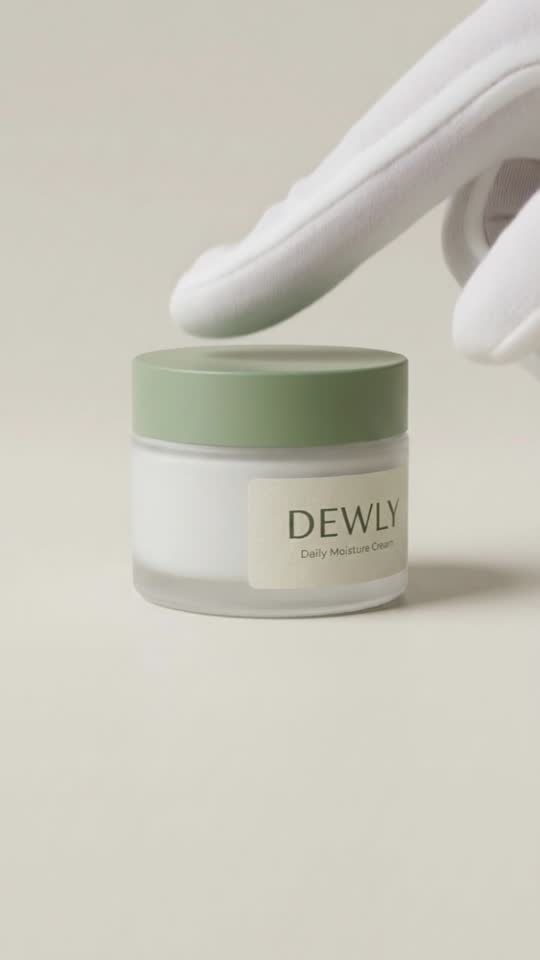
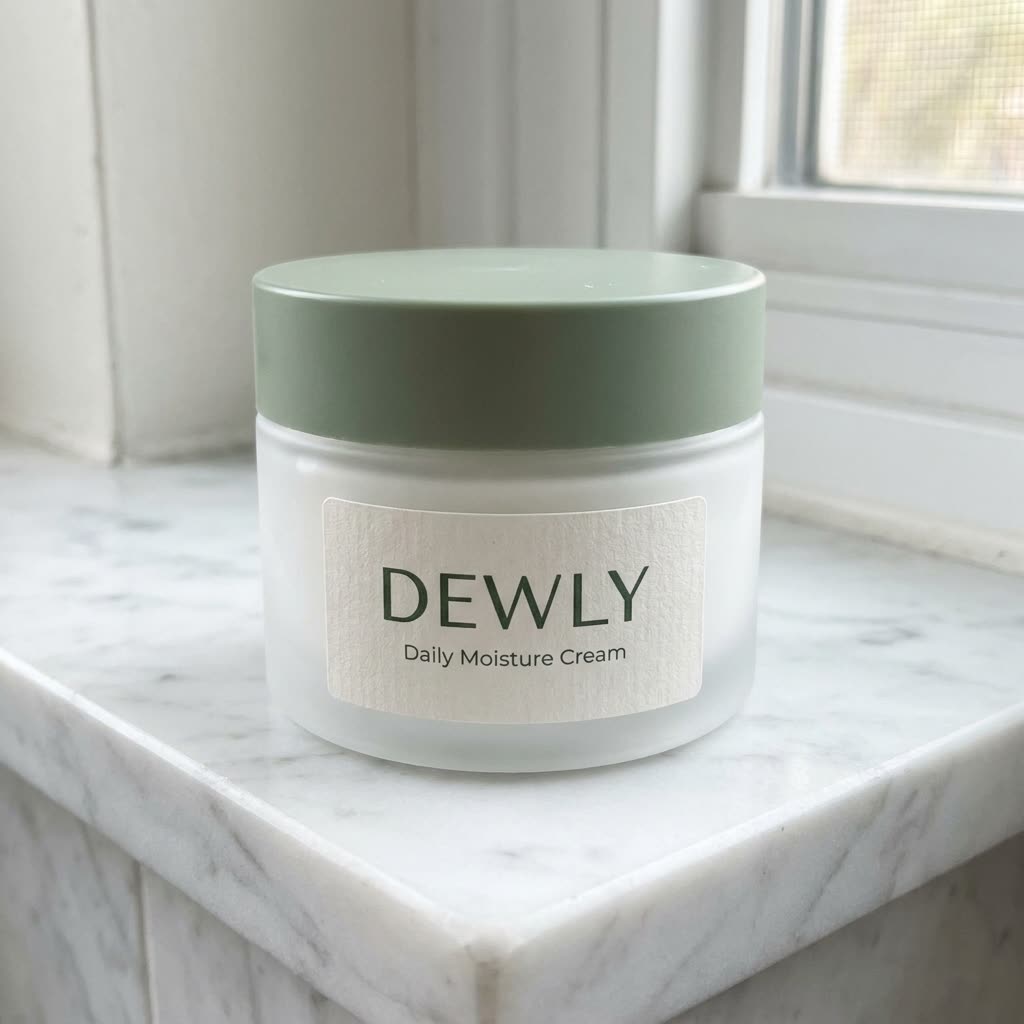
Made from this sample photo
Effects that suit Amazon
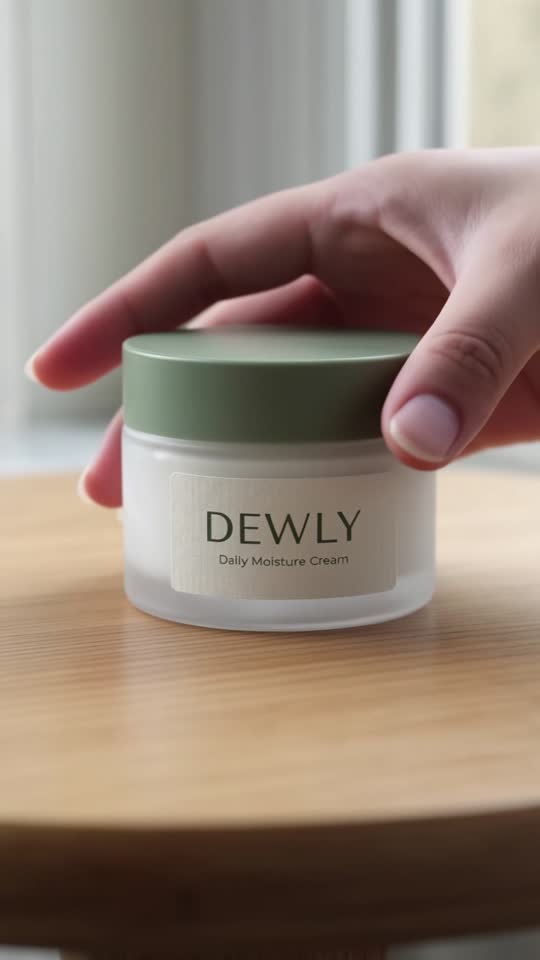
Every clip here was generated by Spinsku from the photo shown beside it. Nothing is edited.



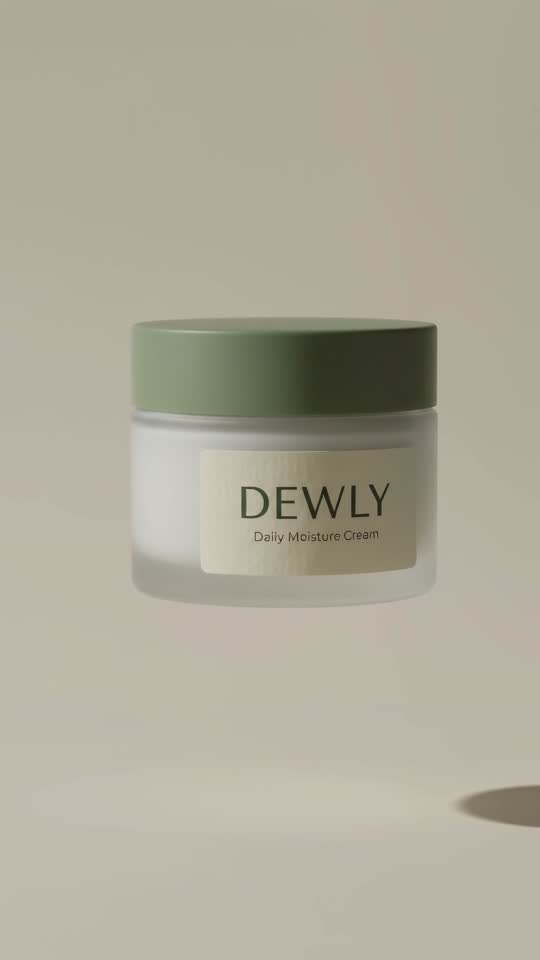

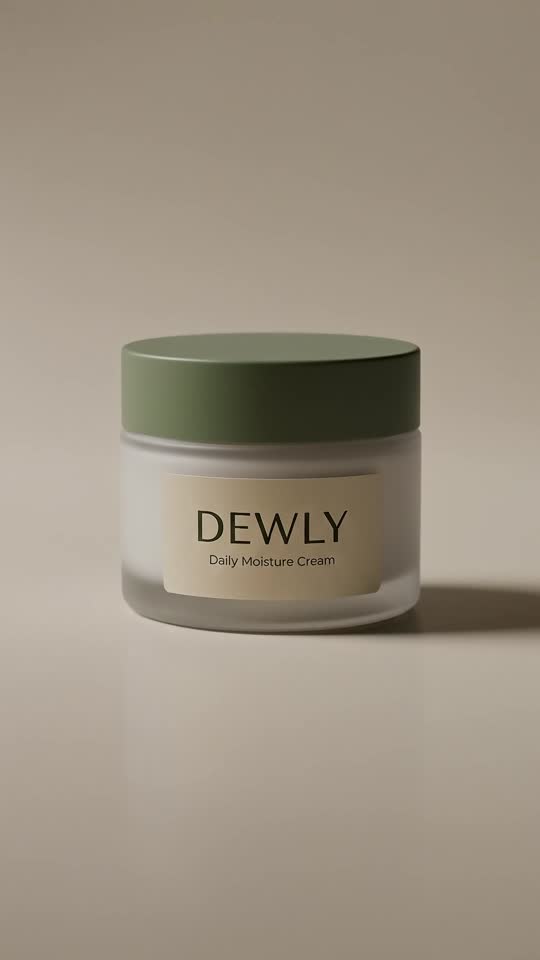


How sellers use it
- Use the clean effects for the listing and save squish and cake for social ads.
- Keep the product accurate: compare each clip with your photo before you upload.
- Pair the clip with your main image so colours match.
Three steps
- 1Upload one photo. A phone photo of a single product is enough. Spinsku cleans the background and relights it like a studio shot.
- 2Pick the effects. Choose a ready-made pack or up to four effects by watching what each one does.
- 3Download and post. Your clips arrive in a few minutes, sized for TikTok, Reels and your listing.
FAQ
What does Spinsku do?
It turns one product photo into four short vertical clips using formats that already work in short video: floating product, 360 orbit, squish, is it cake, melt and unboxing.
Do I need to film anything?
No. Upload a single photo. Spinsku cleans up the background, relights the product and animates it.
How long does it take?
Preparing the photo takes about three minutes and the clips about one to three minutes more, depending on the effects.
How much does it cost?
You can try one clip free without an account and get 3 more when you sign up. After that, 12 clips cost $12, or subscribe for 20 clips at $19 a month.
Will the clips look exactly like my product?
Usually close, not always exact. Shapes, colours and big logos tend to hold, and small text can change. Every example on this site shows the source photo next to the clip so you can judge.